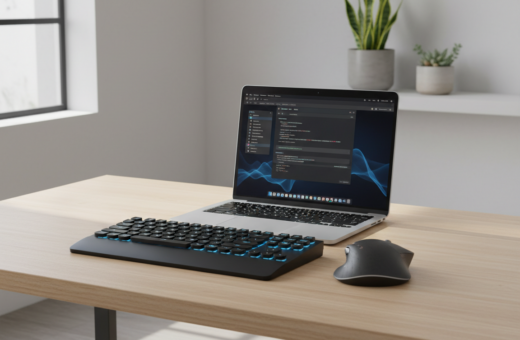
Efficient setups help professionals reclaim workspace without cutting typing quality. They pair a smaller input set with an ergonomic mouse to keep hands near the work center and reduce reach.
Many users find a mini keyboard and matching mouse improve posture and speed. Industry reviews note that a well-made mini peripheral set clears clutter and supports longer focus sessions.
Choosing a reduced-footprint model means weighing price against the feel of the keys. High-quality parts keep accuracy and durability on par with larger models.
For guidance on tray sizing and placement that maximizes under-desk room, see practical keyboard tray sizing tips. Proper mounting helps fit a mini setup and preserves leg clearance.
Why a Compact Keyboard for Small Desk Setups is a Smart Choice
A reduced-footprint input setup can instantly free up usable surface while keeping typing performance intact. This approach helps users craft a focused workspace that supports long sessions without added strain.
Choosing a mini keyboard often improves arm posture and reduces reach. That natural position cuts fatigue during extended work and makes mouse movements smoother.
Researching expert reviews highlights which wireless models balance portability and feel. Many reviewers praise tactile keys and durable build quality in top-rated keyboards.
- Minimalist design keeps the surface tidy and leaves room for a high-performance mouse.
- A well-chosen set can cost less over time, as quality parts outlast cheap alternatives.
- High-quality keys keep typing speed and accuracy steady despite the reduced footprint.
- Integrating a precise mouse ensures users retain control for complex tasks.
In short, a mini layout is more than a space saver. It is an intentional choice that blends ergonomics, price value, and focused productivity.
Top Tier Picks for Space-Saving Peripherals
Top-tier peripheral picks balance size savings with performance so professionals can work without compromise. The list below groups reliable options by use case so readers can match a model to their workflow.
Mechanical Options for Coders
Coders who value tactile feedback should consider the Keychron K3. Its hot-swappable switches let users tune every key to taste.
The Corsair K63 Wireless also appeals to gamers and heavy typists thanks to a 1ms 2.4GHz wireless link that rivals wired response.
Wireless Solutions for Travelers
The Microsoft Wedge Mobile measures just 10.1 inches, making it ideal to slip into a computer bag. Apple’s Magic Keyboard is another travel favorite at only 0.51 lbs.
Both models offer reliable Bluetooth or USB dongle connectivity, so pairing with a laptop or tablet is painless.
All-in-One Touchpad Models
The Logitech K400 merges a built-in touchpad with a mini layout and offers up to 33 feet of range. That makes couch or conference use simple while saving surface space.
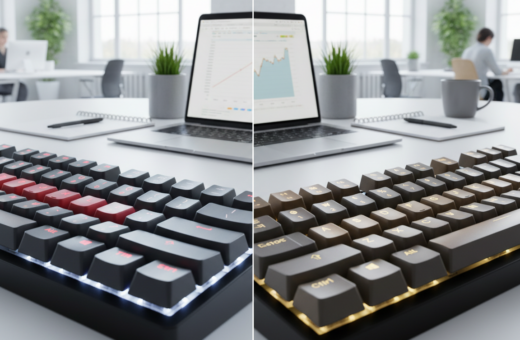
- Design and LED options add visual flair without hurting function.
- Check reviews to balance price and durability before buying a set.
- Consider mouse pairing to keep hands centered and reduce reach.
Essential Features for Your Next Keyboard Upgrade
A smart upgrade focuses on battery life and connection stability to keep workflow uninterrupted. Professionals should weigh long-term costs, durable keys, and any extras that aid daily work.
Connectivity and Battery Life Considerations
Battery endurance matters. The Logitech K780, for example, offers a two-year battery life that reduces charging needs and keeps a set ready for heavy use.
Reliable pairing keeps the mouse and main input close to hand and avoids dropouts during meetings. Look for devices that support Bluetooth and a dedicated USB receiver.
- Check reviews about the quality of the keys, not just runtime.
- Multi-device switching speeds transitions between tablet, PC, and phone.
- Windows shortcuts and a dedicated lock key boost productivity on a computer.
- Customizable LED lighting helps in low light without extra lamps.
“Choose models that balance price and long-term ownership costs, including replacement batteries or recharge options.”
Final Thoughts on Optimizing Your Workspace
Reclaiming surface area with a smart peripheral choice often boosts comfort and focus. Pair a compact keyboard with a high-quality mouse to keep hands centered and reduce reach at the desk.
Whether users pick a wireless model or a wired USB unit, the right set should match the type of work they do and the computer they use. Look for solid connectivity like Bluetooth or a stable USB receiver to avoid interruptions.
Check expert reviews and weigh price against long-term value. A good mini option keeps durable keys and a pleasing color or feel so typing stays comfortable for hours.
Invest in gear that fits the workflow, and the workspace will follow.